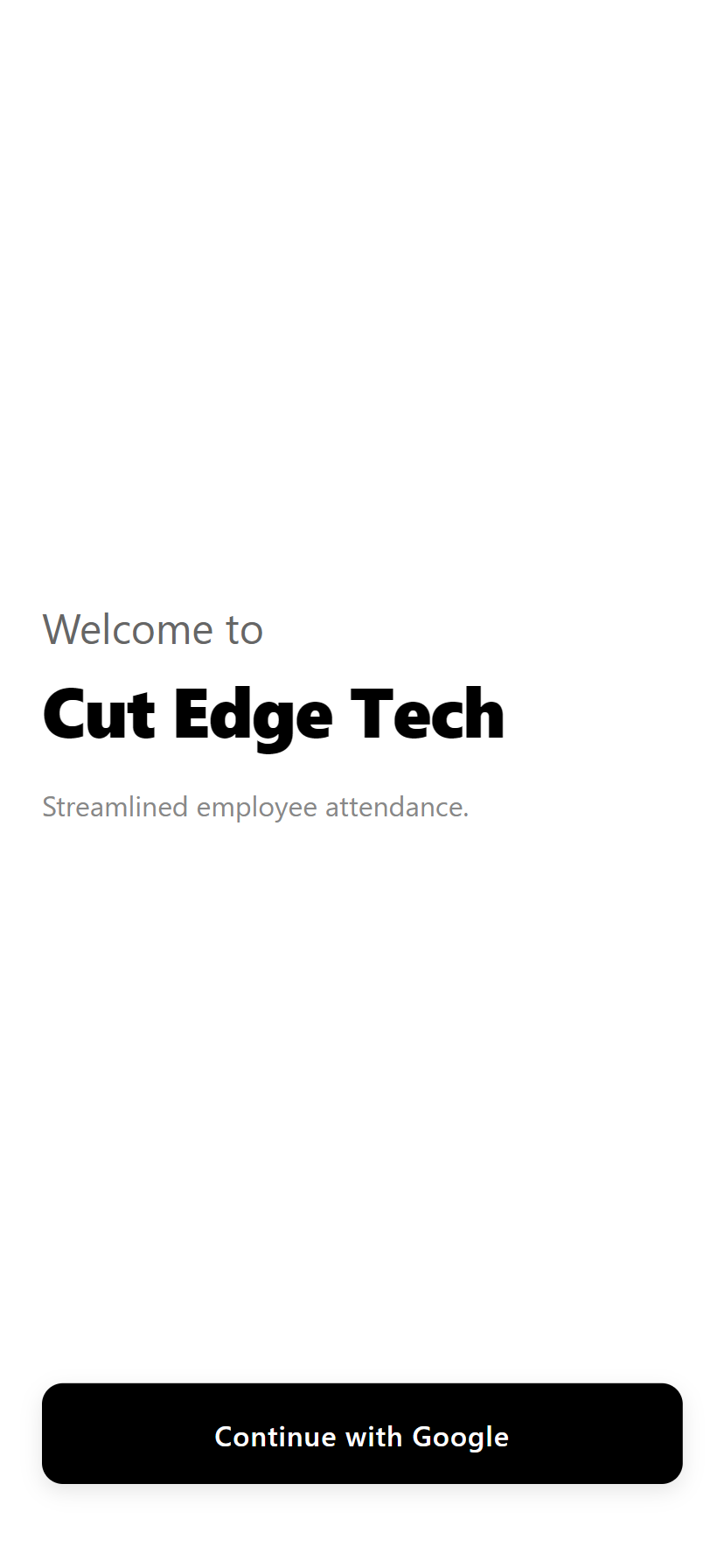
Seamless Google Login
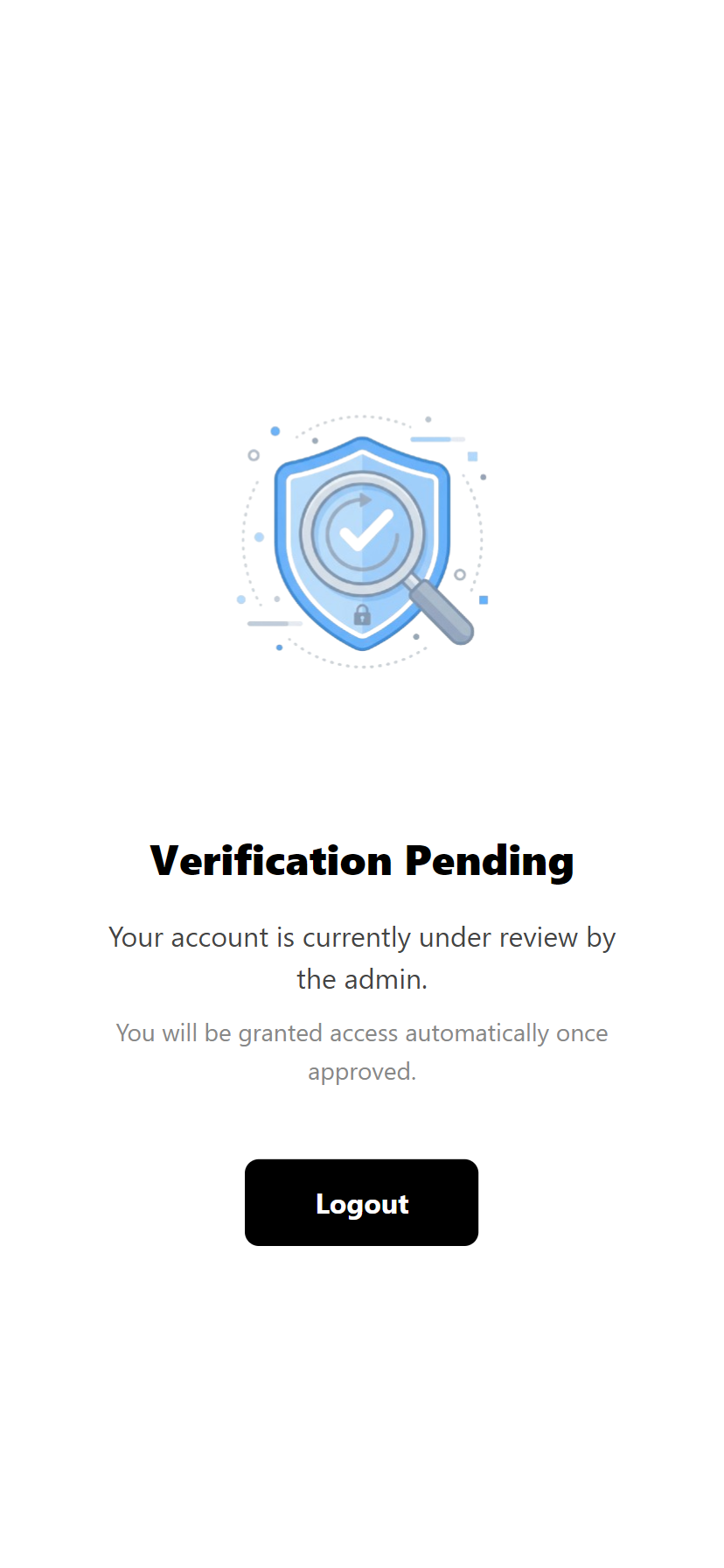
Employees sign in securely using their Google accounts. New accounts are immediately placed into a verification queue, ensuring unauthorized users cannot access the system until an admin approves them.
Bulletproof Geofencing
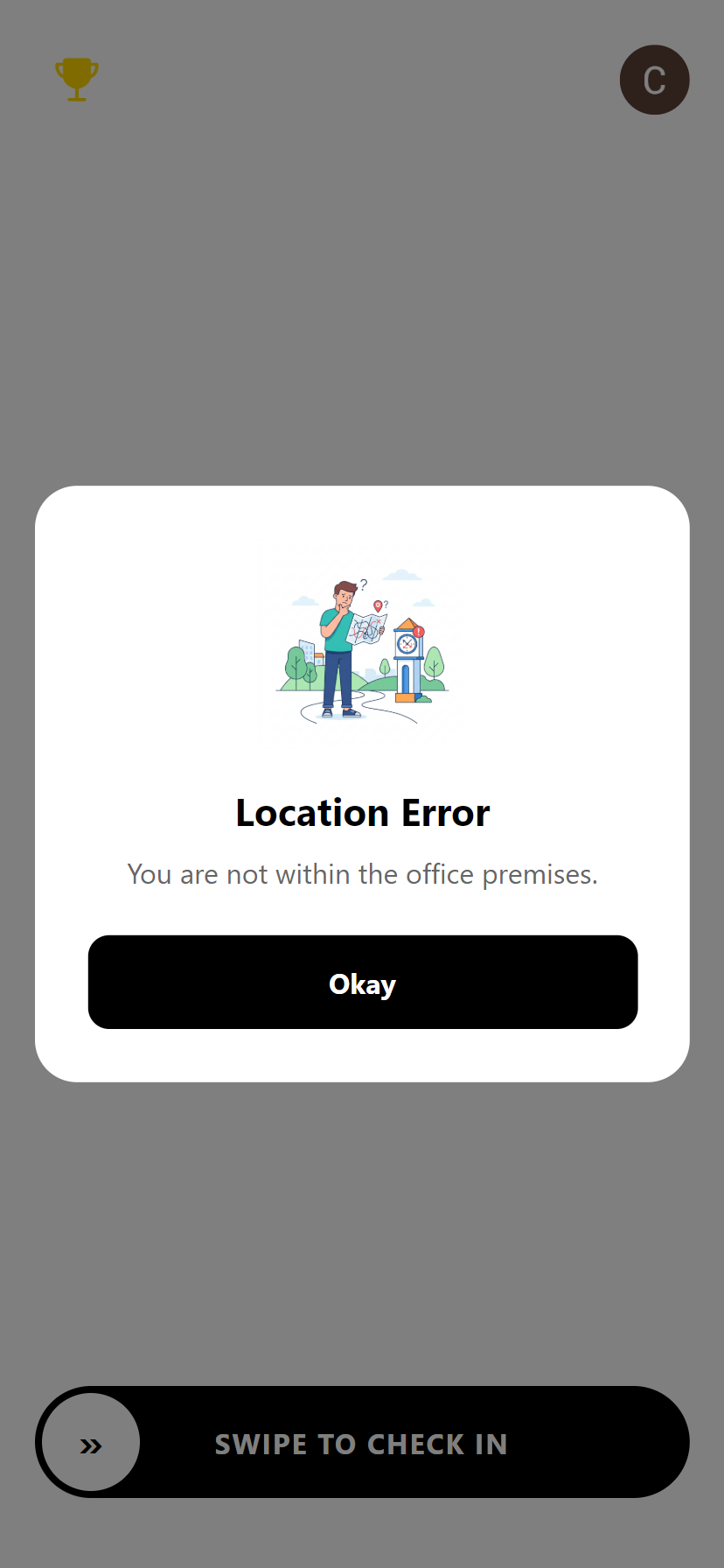
The app actively verifies GPS coordinates against the configured office radius. If an employee is outside the premises, check-in is strictly blocked with clear visual feedback.
Active Workspace
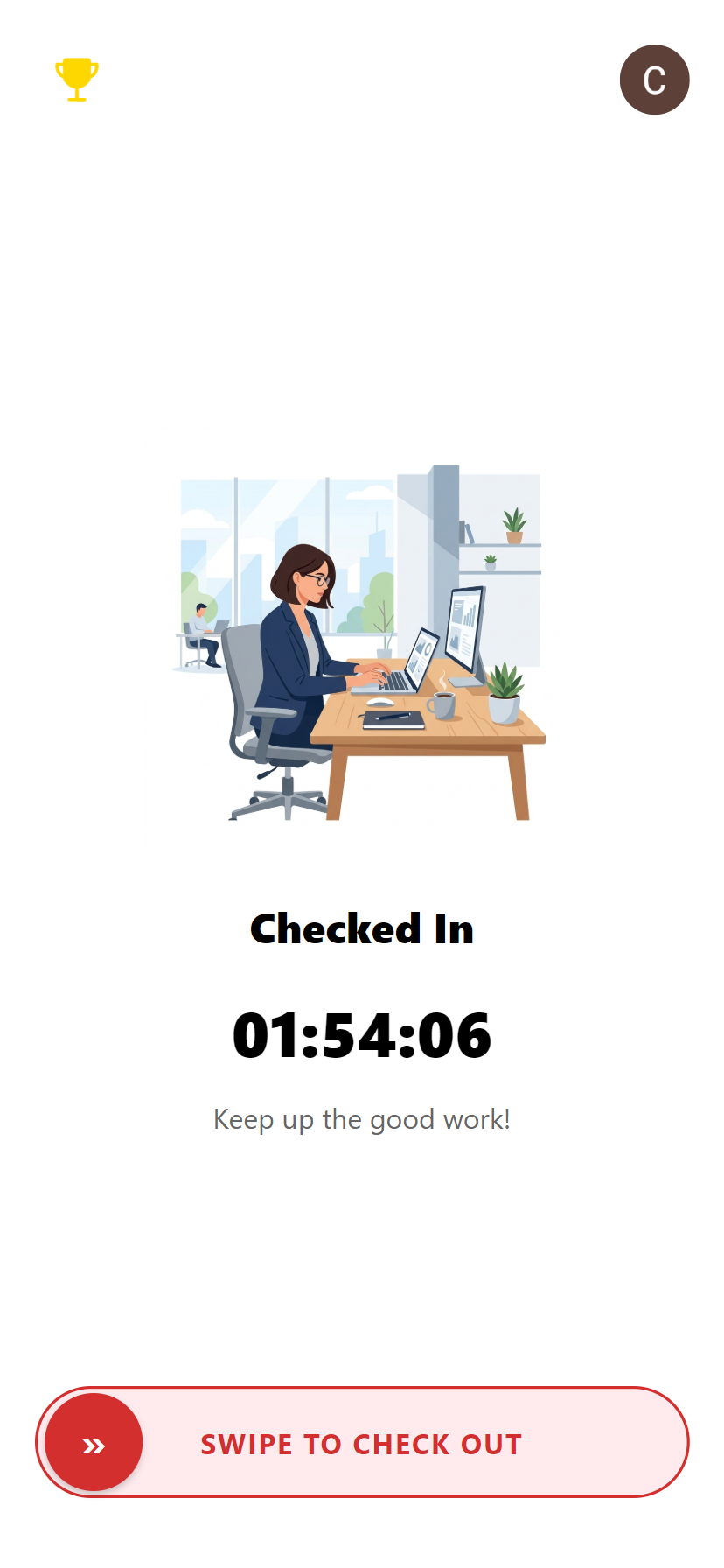
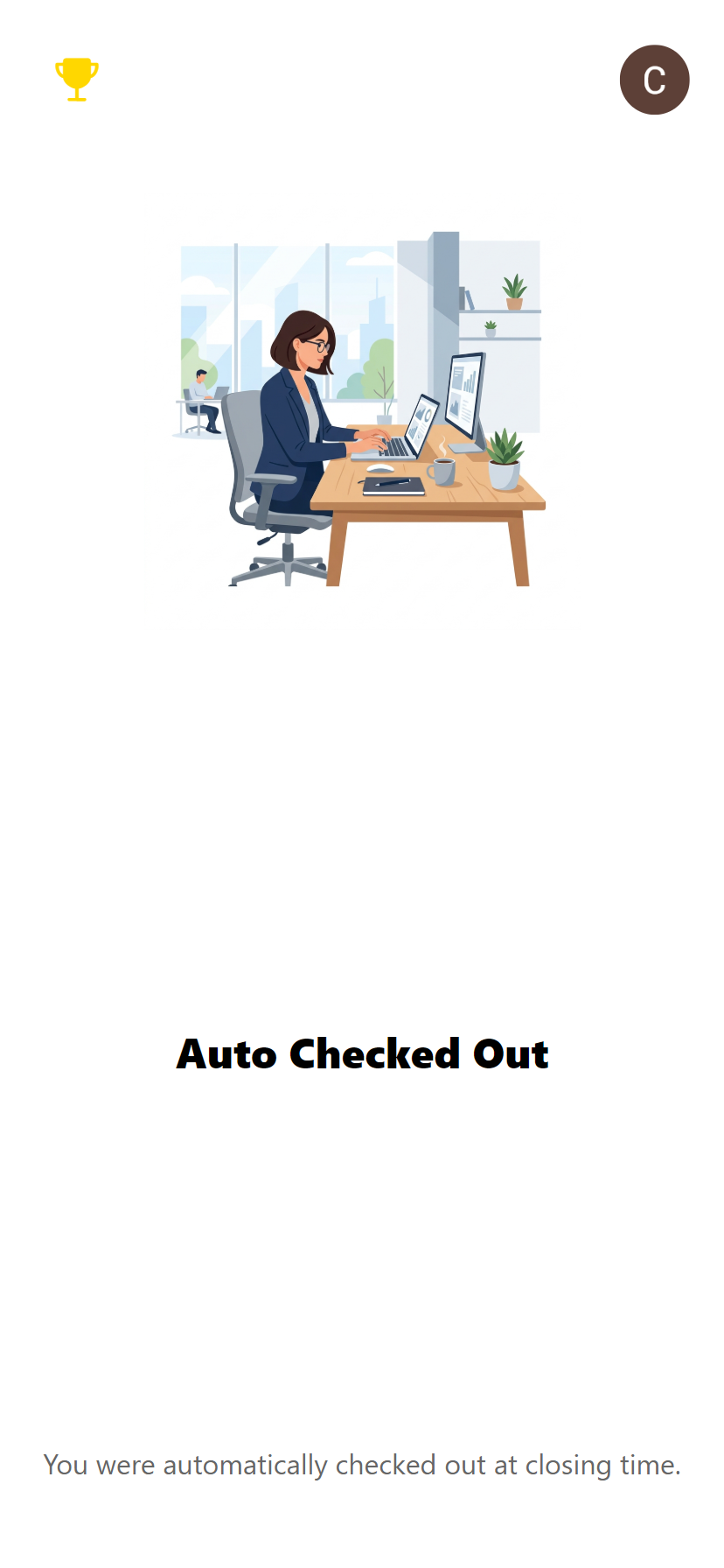
Once checked in via the swipe gesture, the dashboard transforms into a live timer. If an employee forgets to check out, the system automatically checks them out at the designated closing time.
Dynamic Adjustments
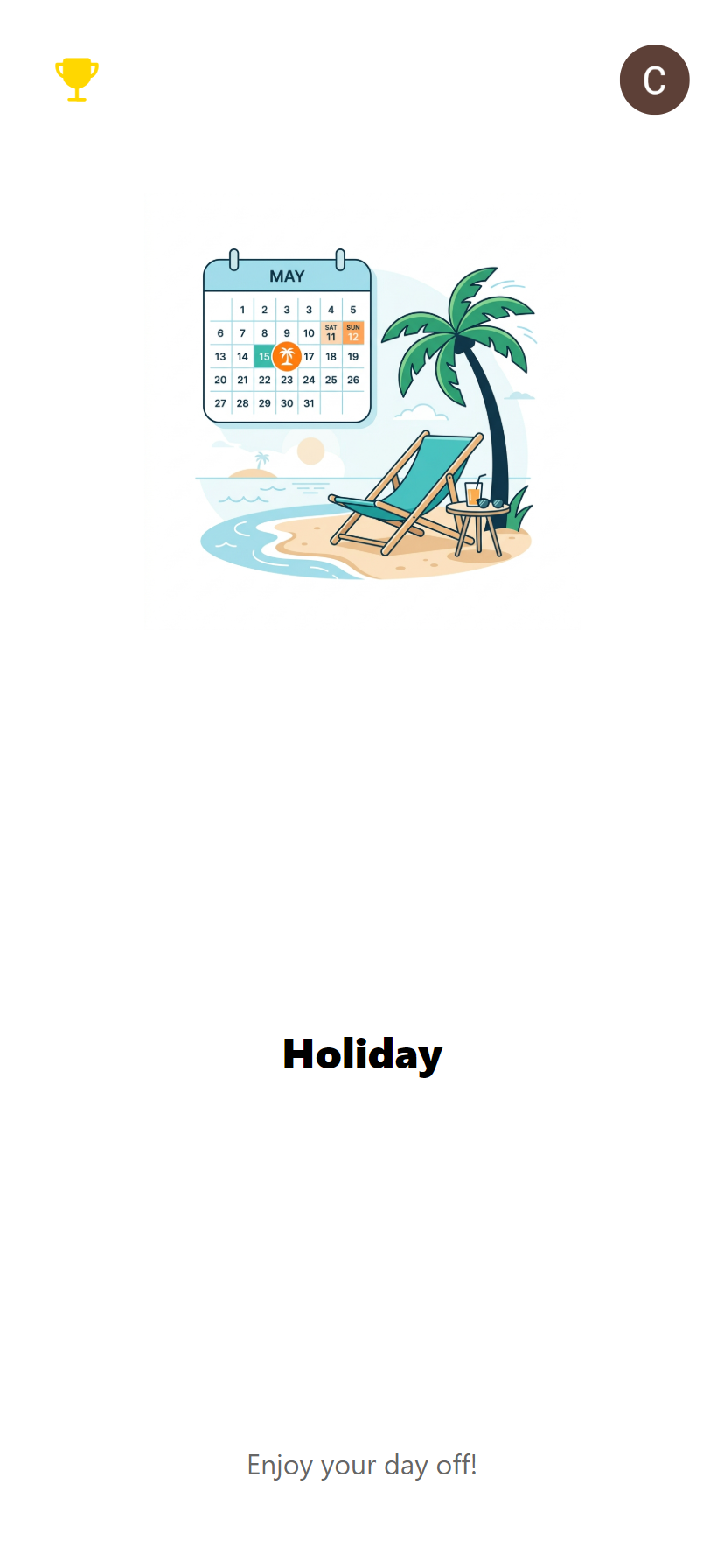
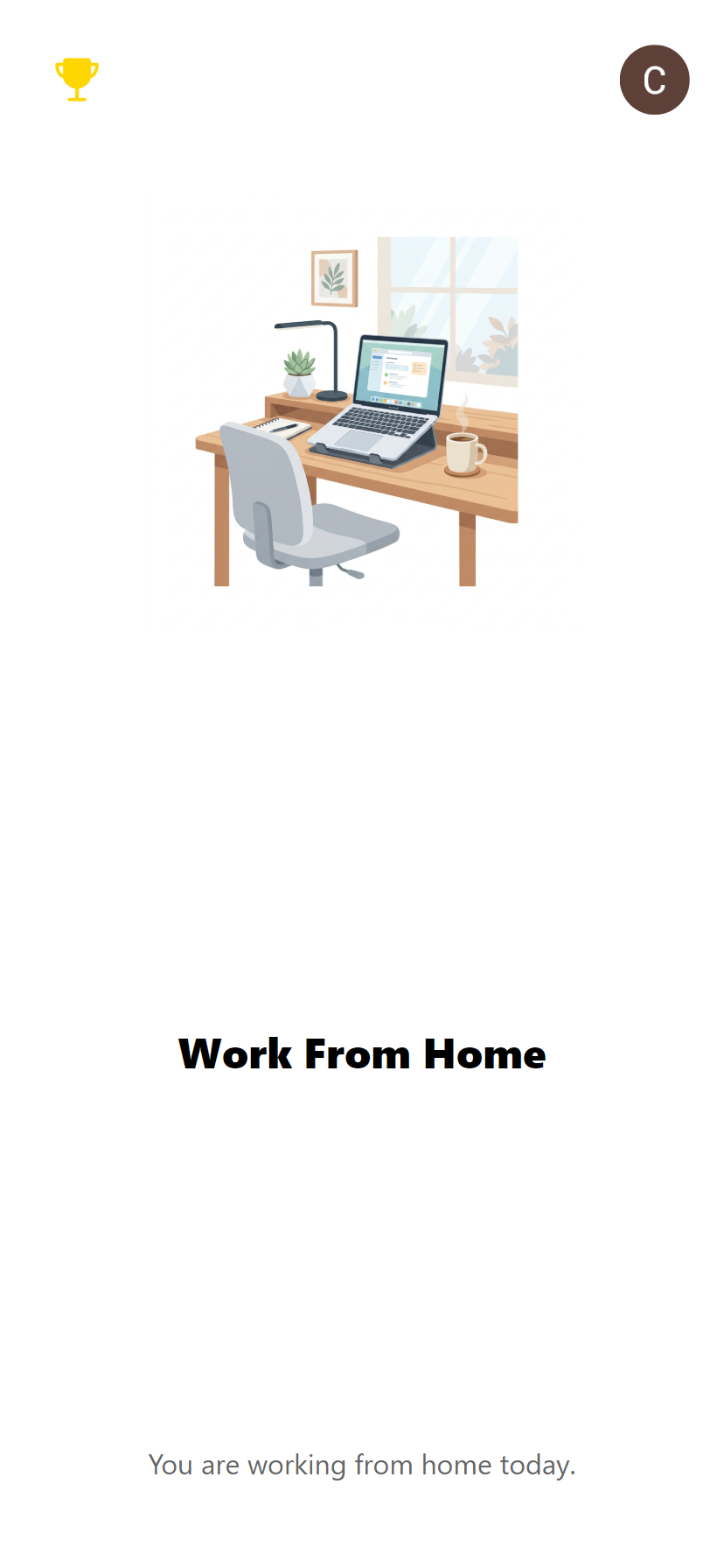
If the admin declares a holiday or a Work-From-Home day, the app instantly updates its UI, letting employees know that attendance is not required for the day.
Insights & Gamification
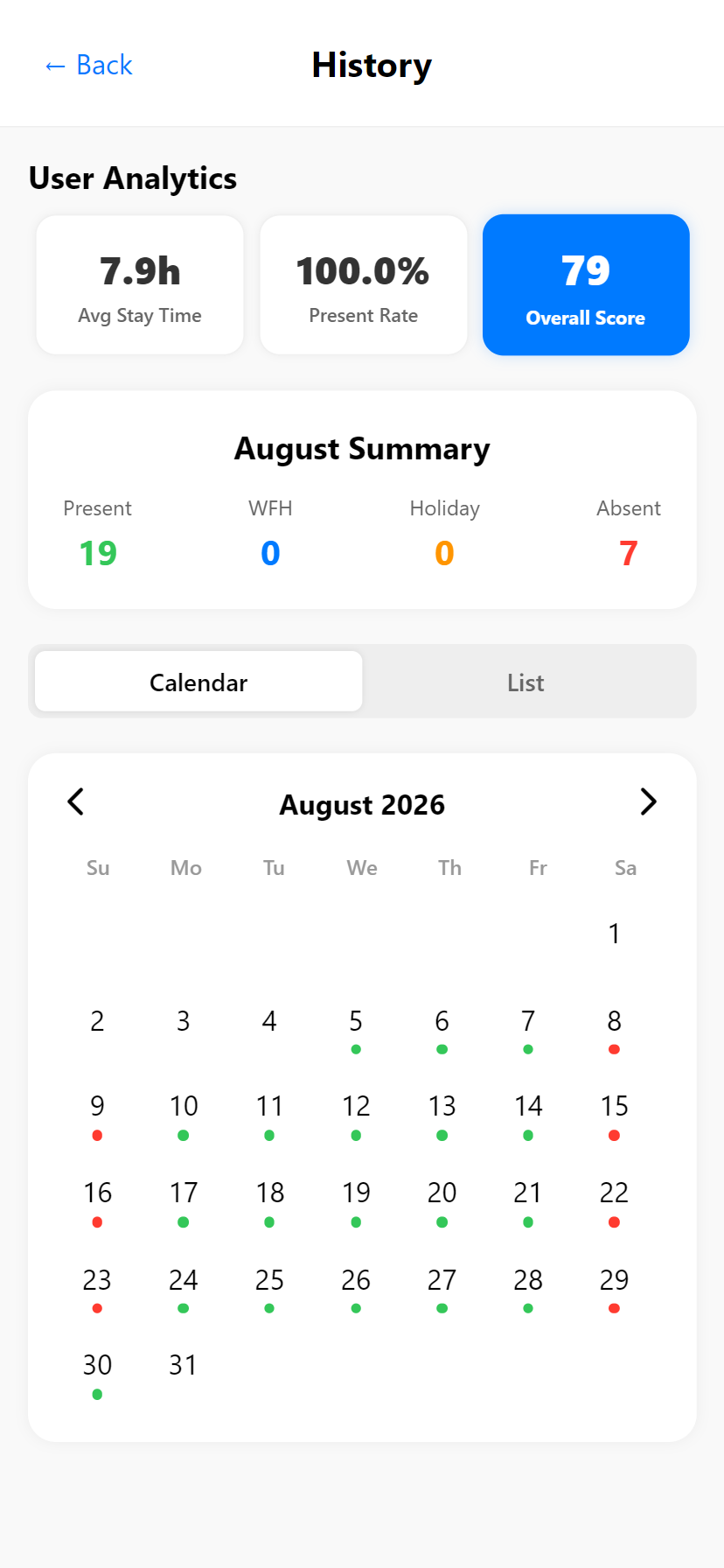
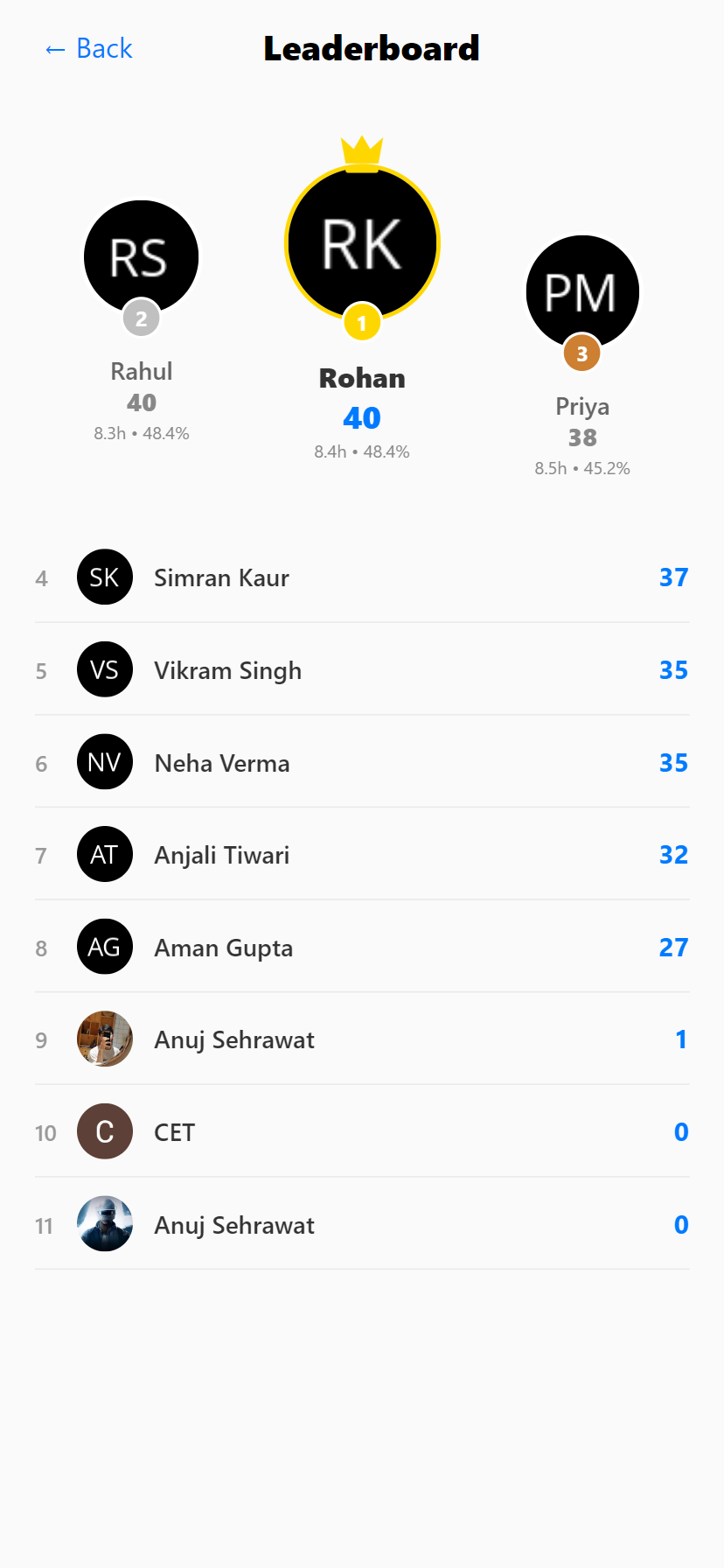
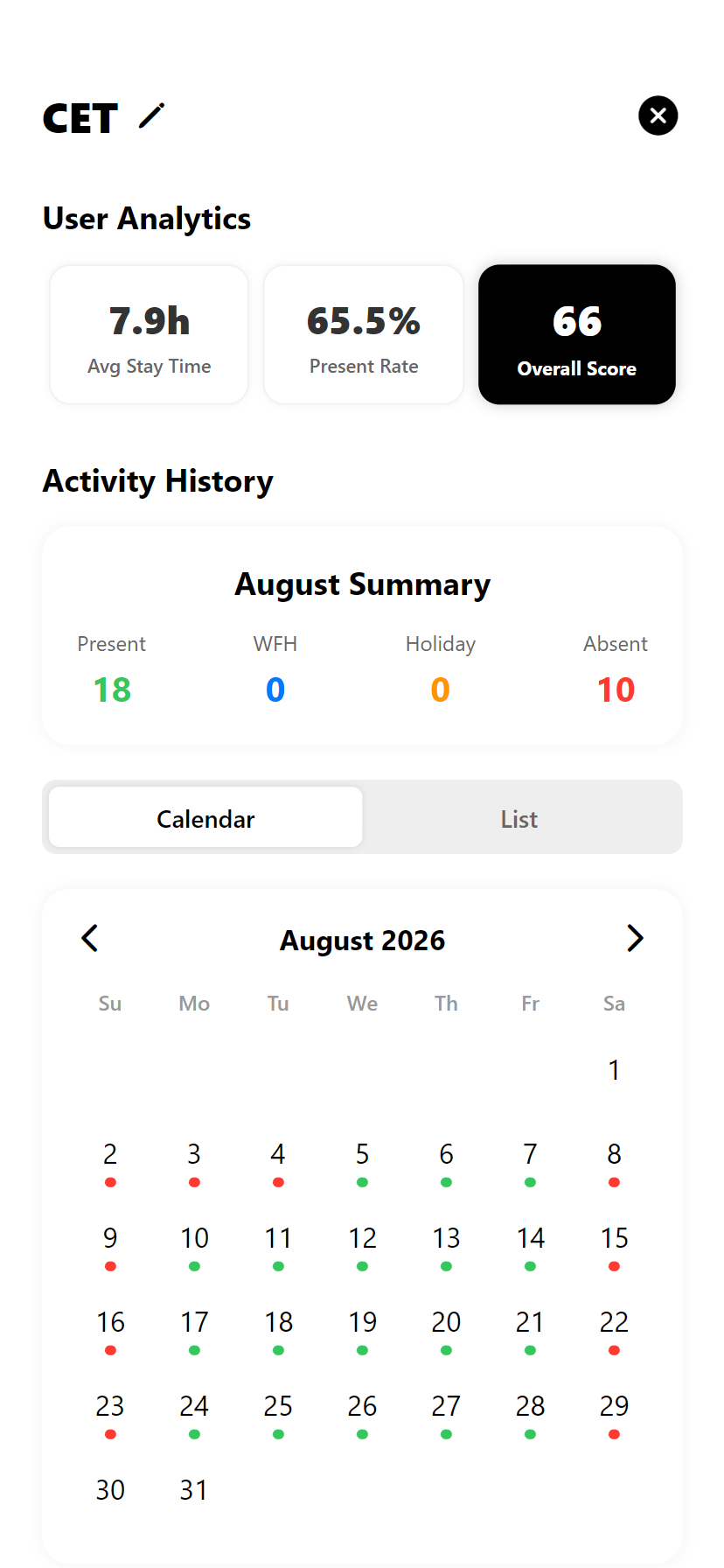
Employees can review their complete day-by-day attendance history. The live leaderboard shows how their attendance score stacks up against colleagues, highlighting their own position.
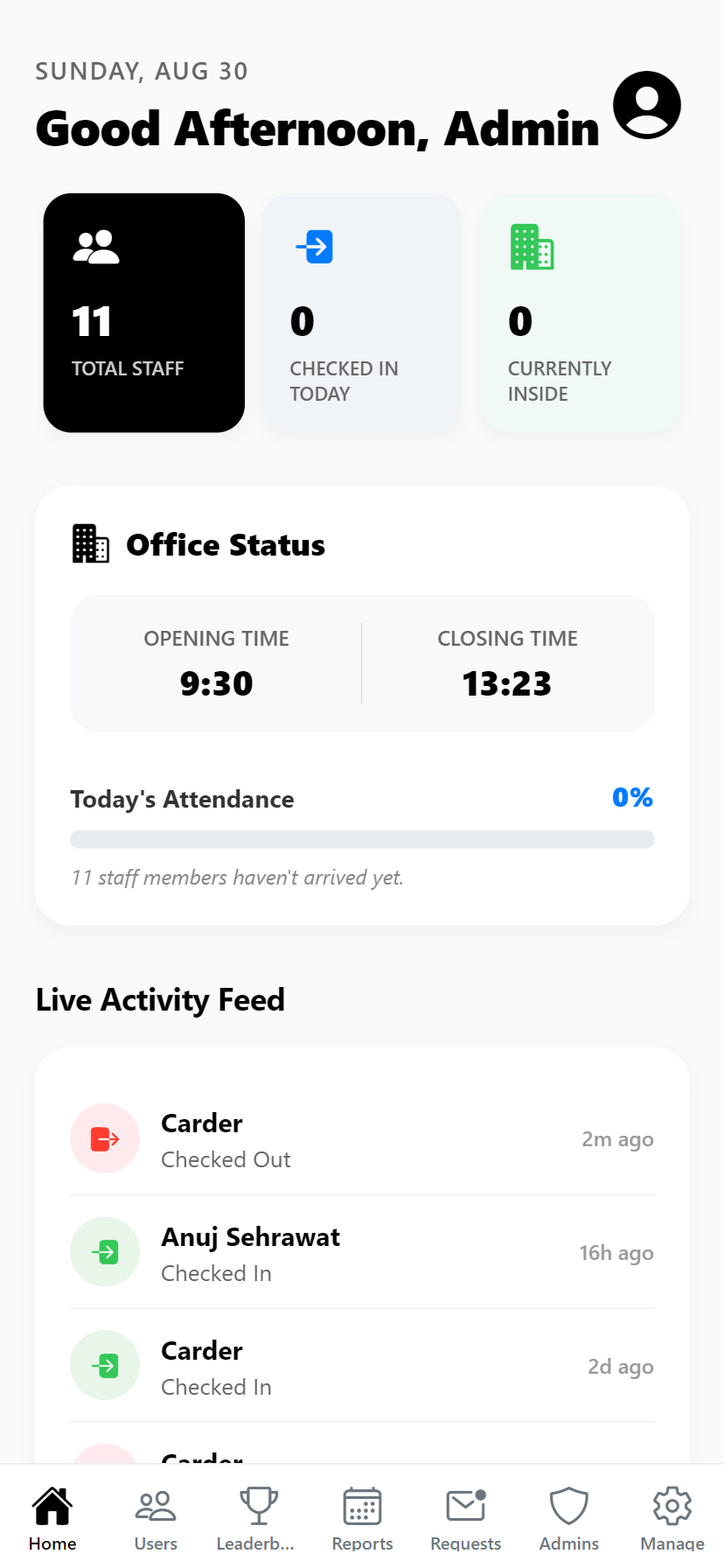
Real-time Overview
Get a bird's-eye view of your office in real-time. See who is currently in the office, total check-ins for the day, and a live feed of recent check-outs.
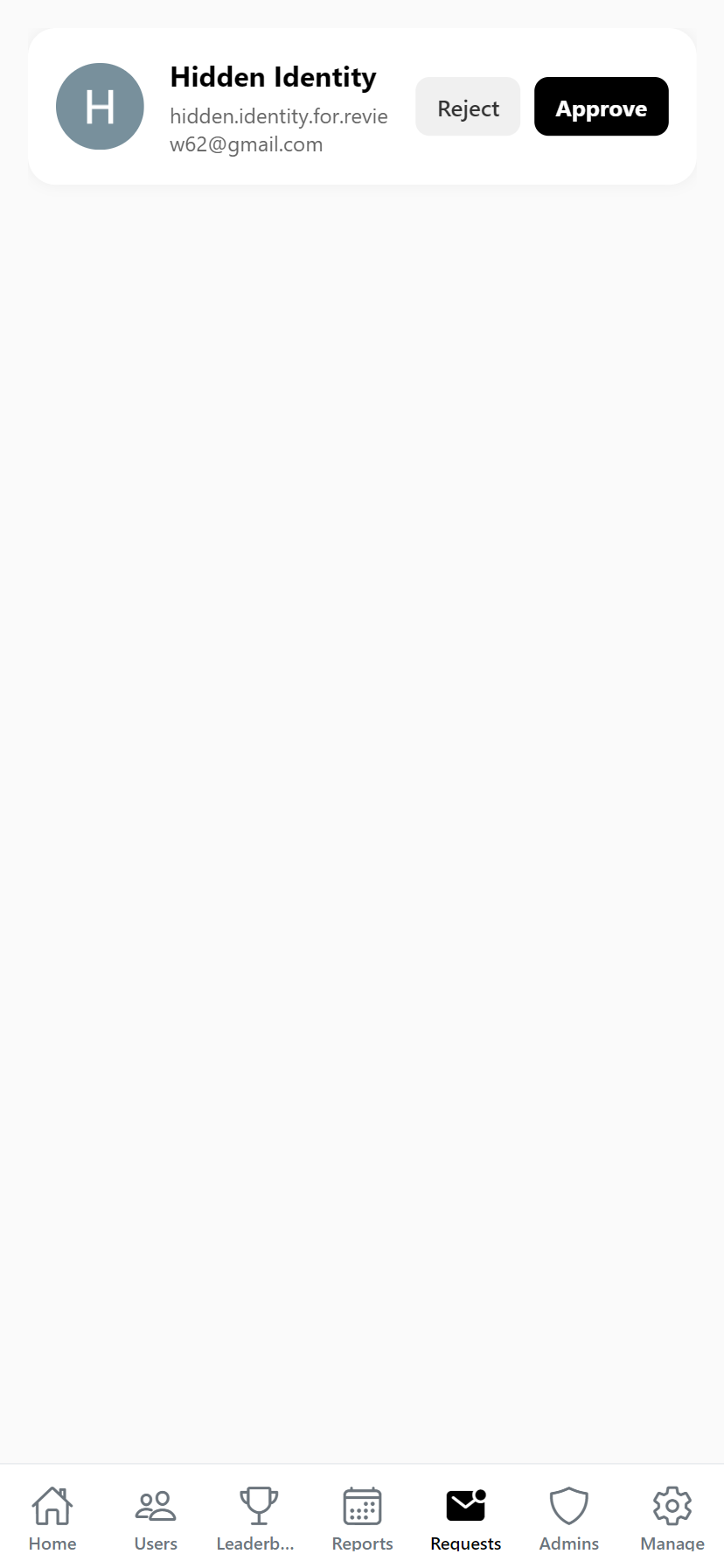
Strict Security Checks
Maintain strict security. New employee sign-ups go into a pending queue. Review and approve device access before they can mark attendance.
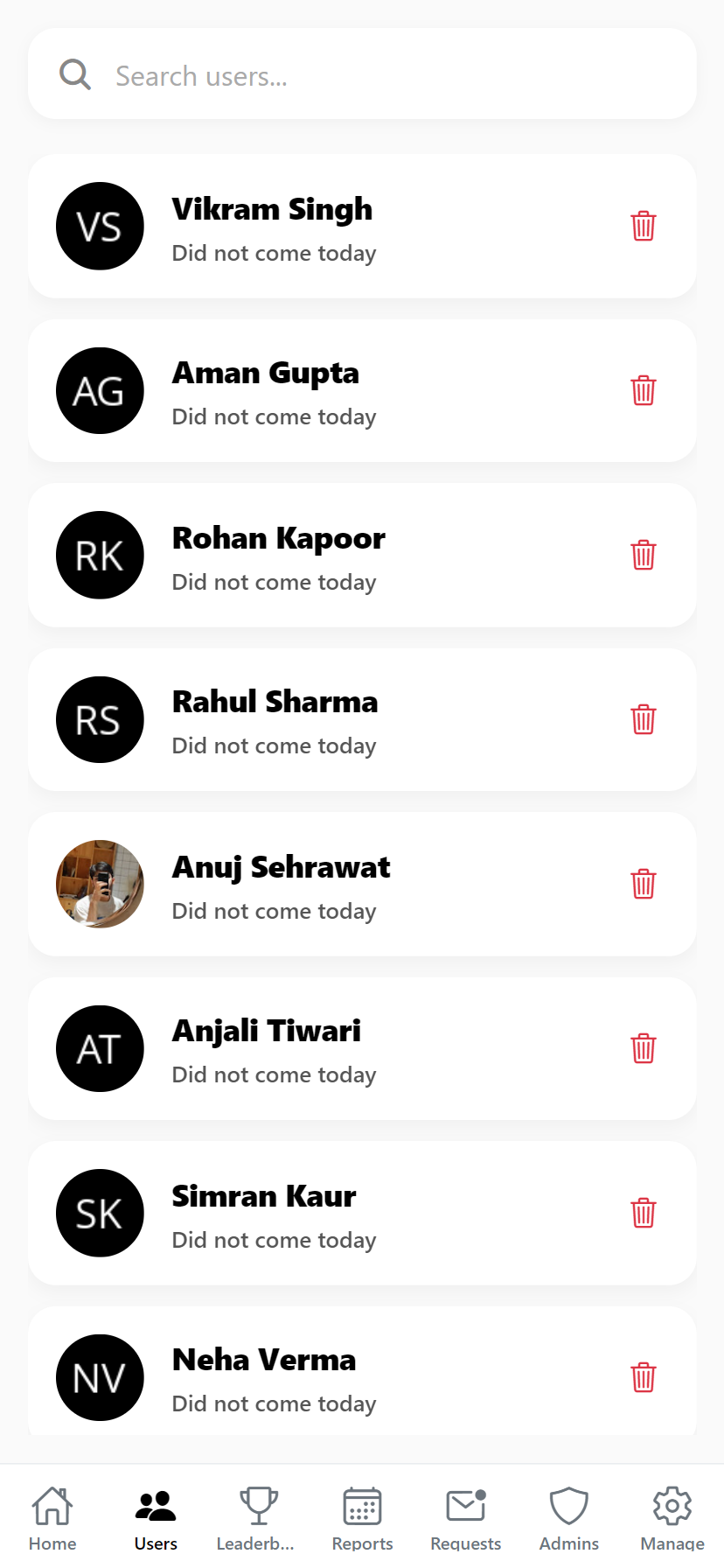
Manage Personnel
Search through the employee directory, view detailed daily logs for individuals, edit their check-in/out times if a mistake was made, or soft-delete inactive accounts.
Global Parameters
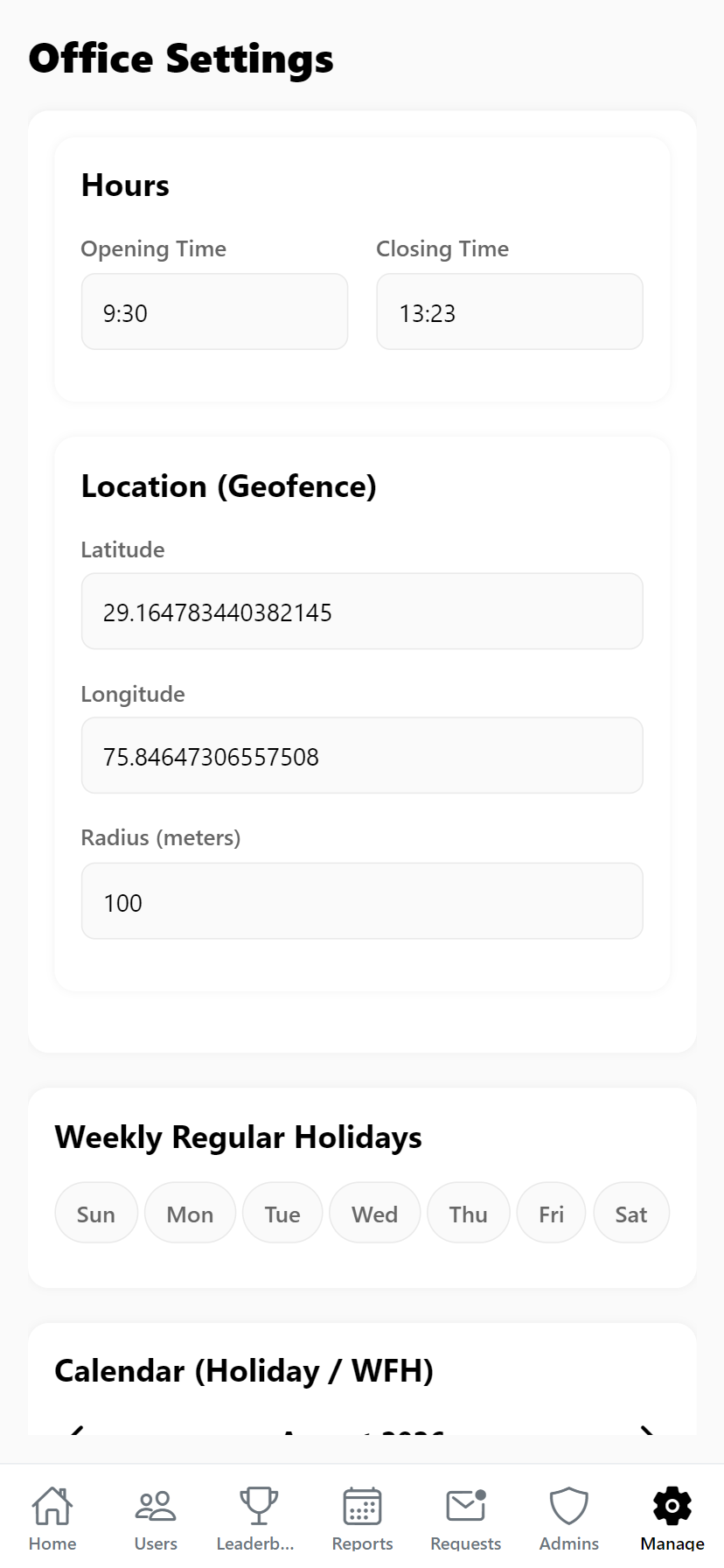
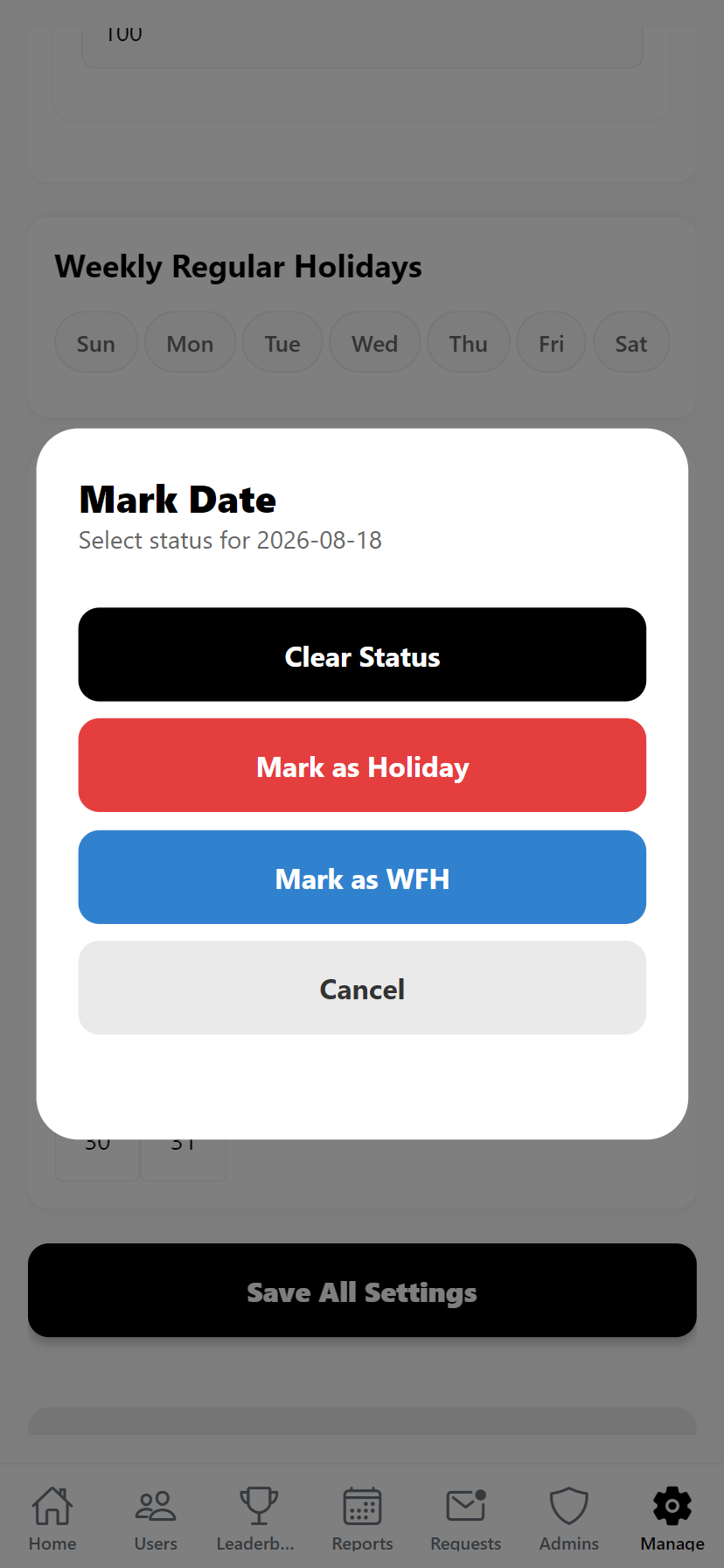
Set the exact GPS coordinates and radius for the office. Define opening/closing hours. Use the interactive multi-select calendar to mark entire weeks or specific days as Holidays or WFH.
Sub-Admin Roles
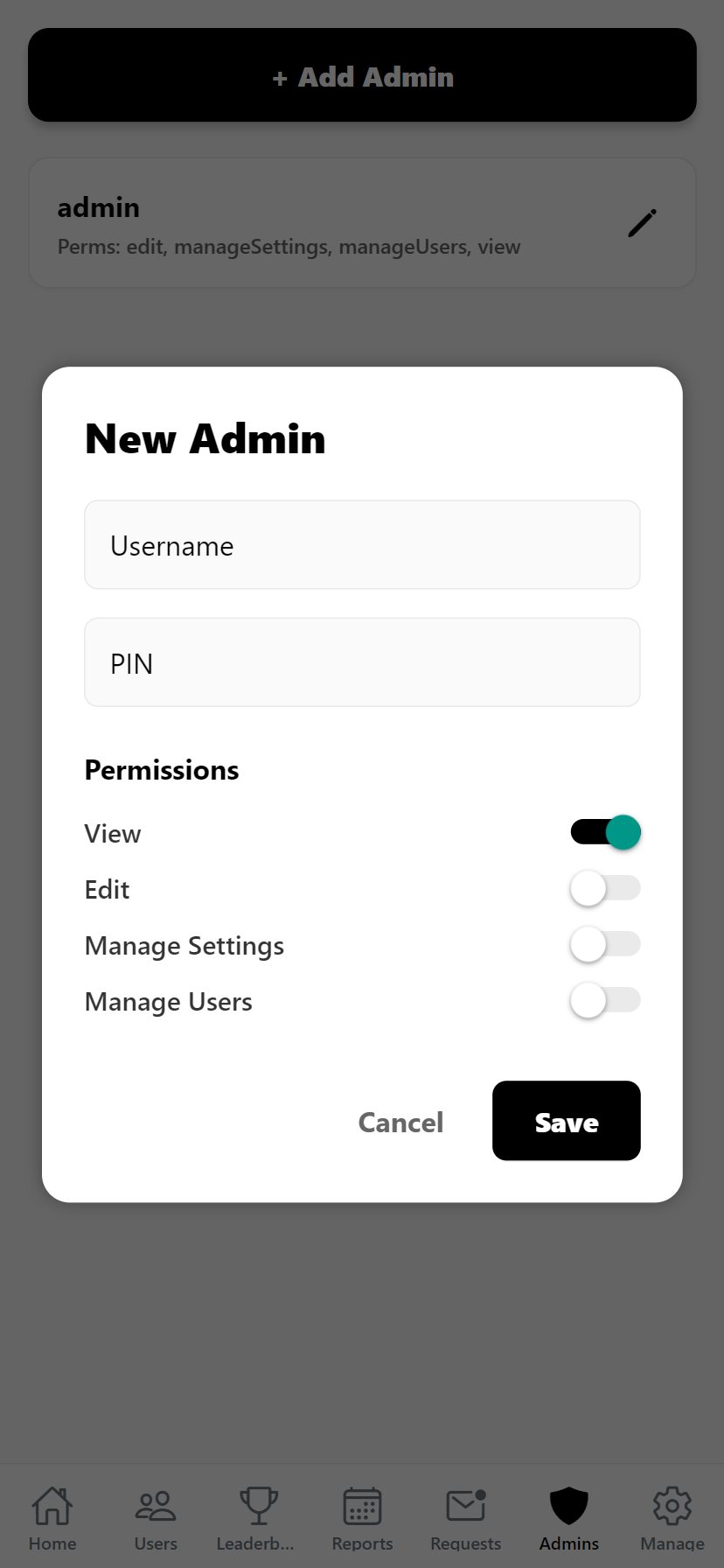
Create new sub-admins with fine-grained permissions. Decide exactly who can manage users, who can change global settings, and who is view-only.
Push Notifications
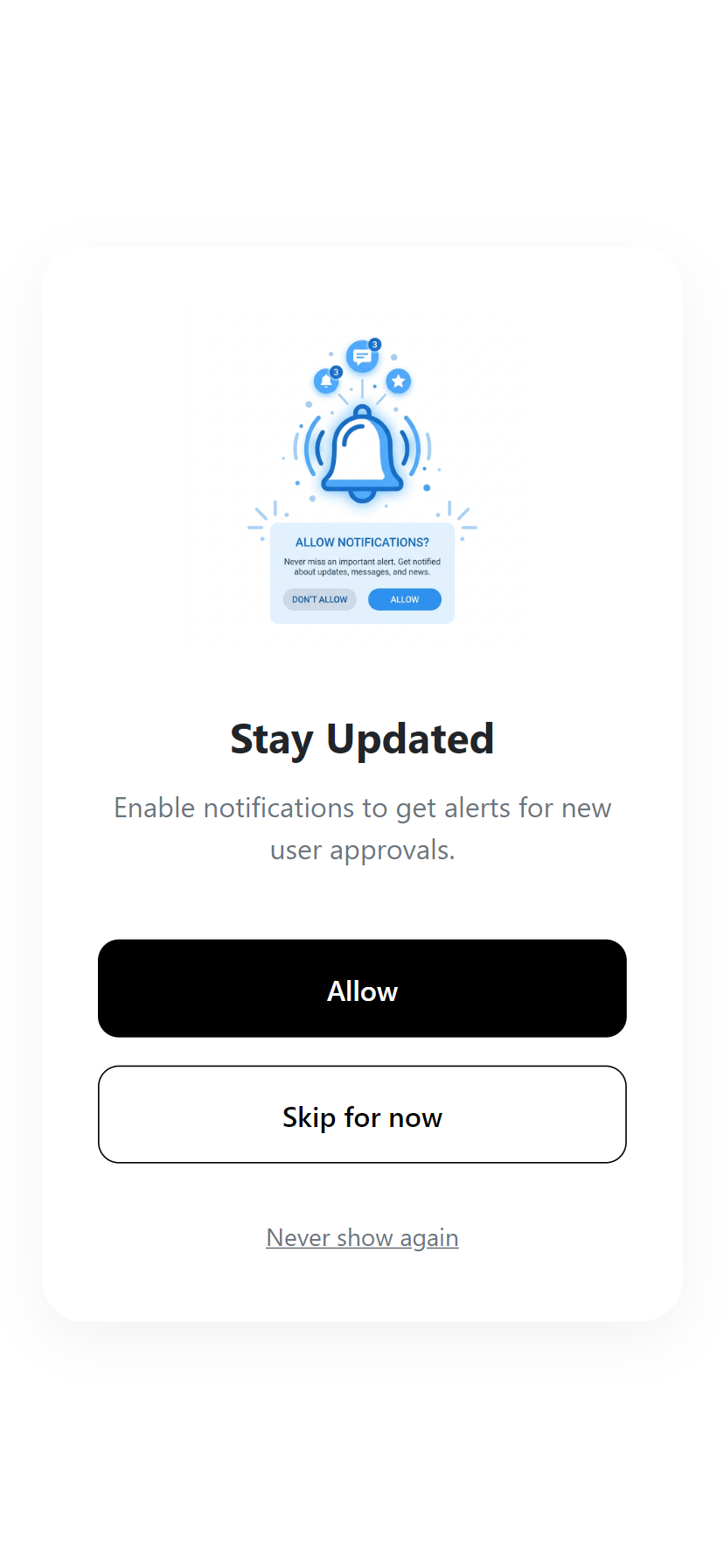
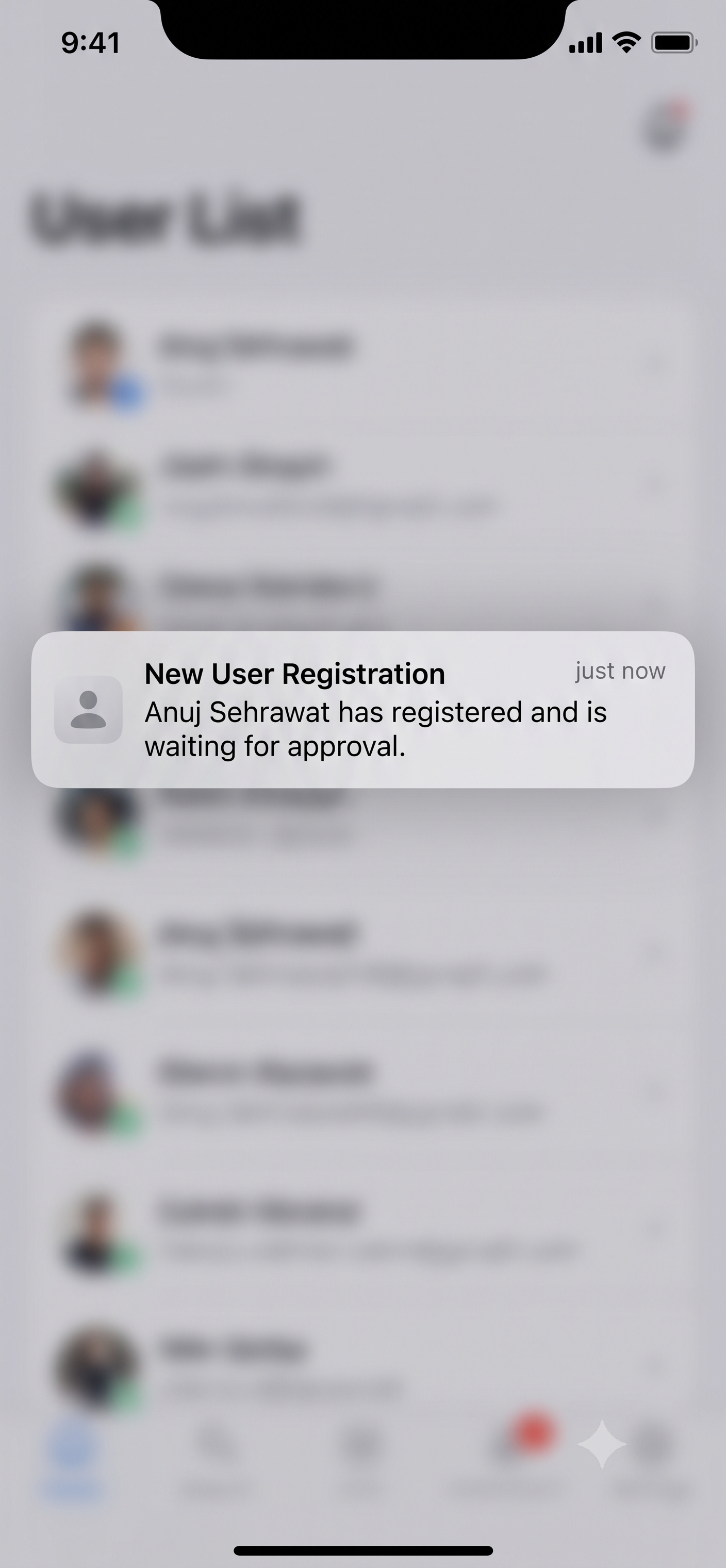
Stay in the loop instantly. Receive high-priority OS-level push notifications whenever a new employee registers and requires approval. Works seamlessly on Web, Android, and Desktop.
Ready to Get Started?
Install the user app and take control of your attendance.
Download the AppAvailable for Android, Windows, and Web browsers.